
Top

Exhibition Stand AV Integration in Dubai: A Practical Guide to Interactive Technology

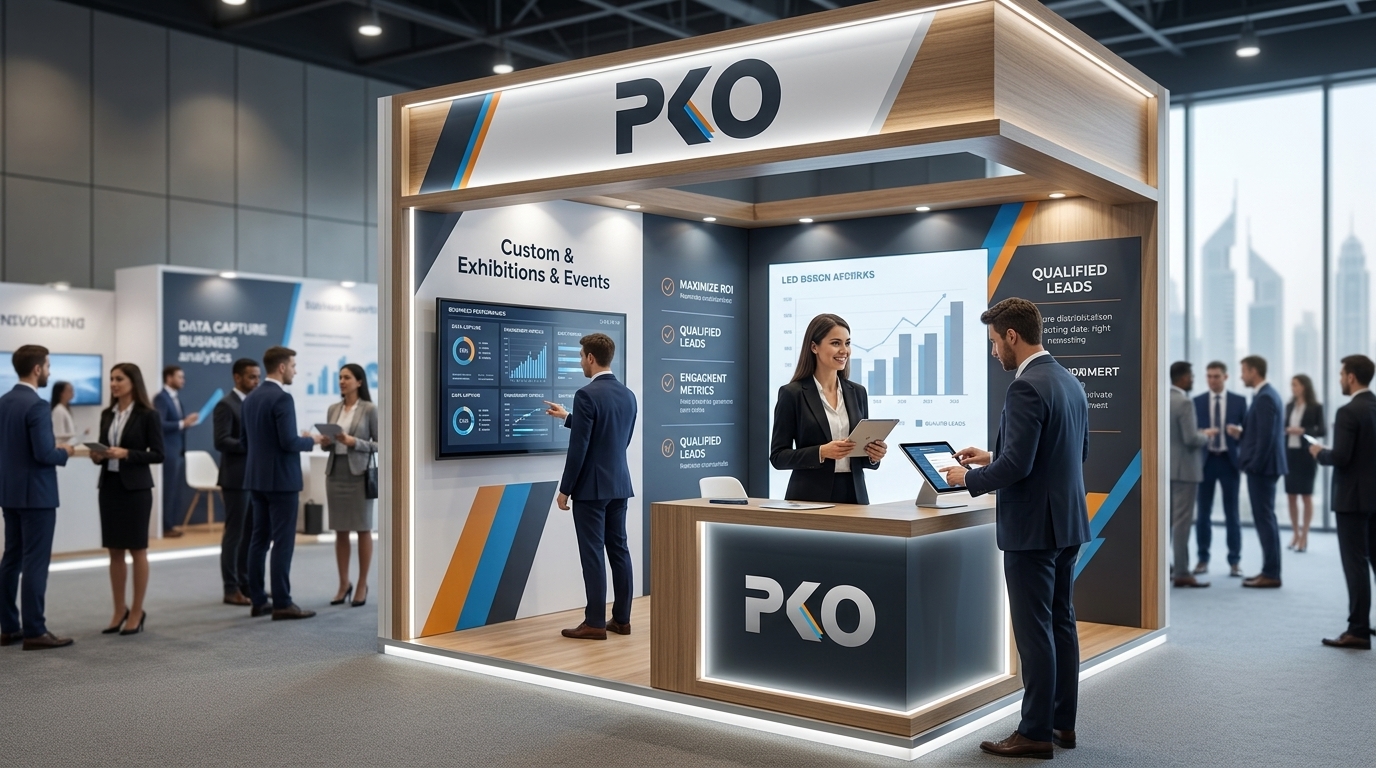
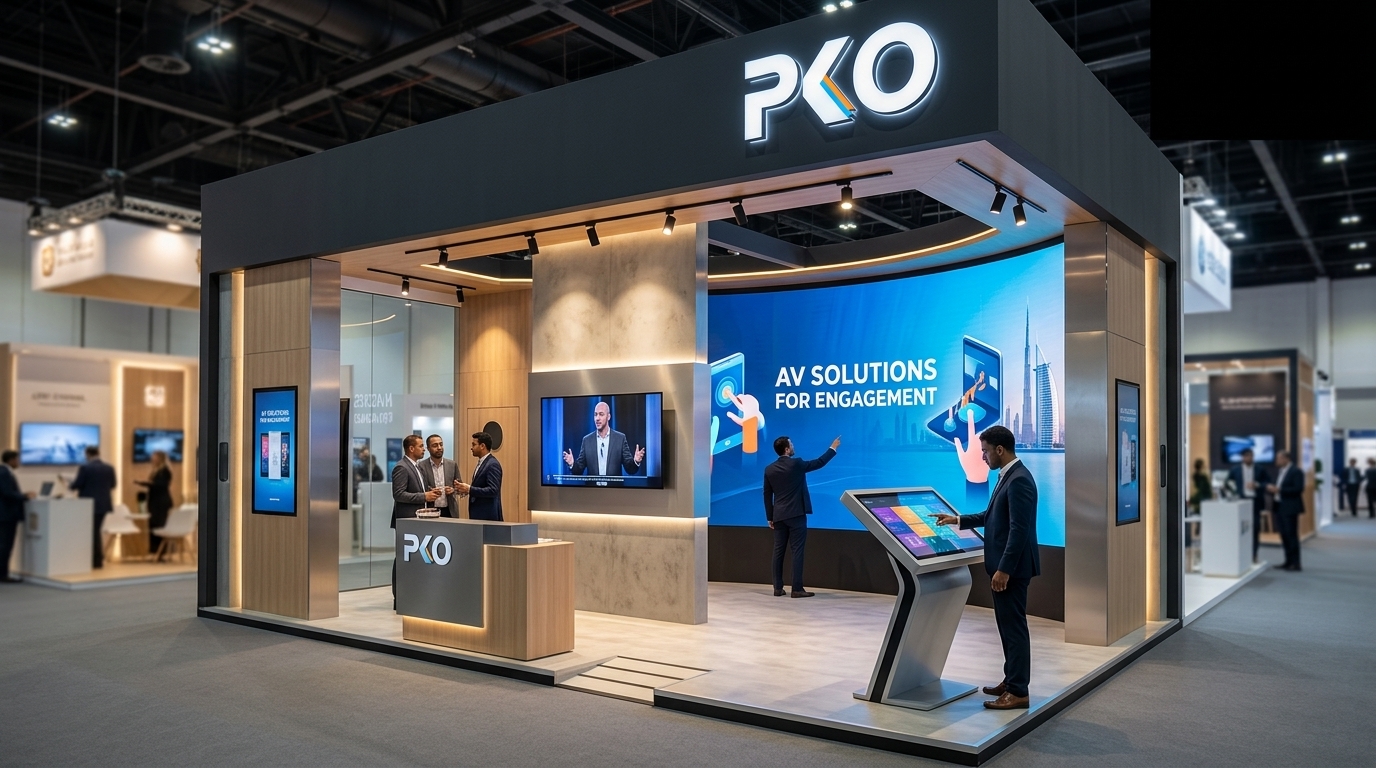
Exhibition stand AV integration Dubai booth by PKO with large LED video wall, touchscreen kiosk, and visitors engaging with displays

Visitors walking through a busy hall at a Dubai trade show decide within seconds whether a stand deserves their time. Screens, sound, lighting and interactive displays can help, but only when they work together and support a clear business purpose.

Good exhibition stand AV integration Dubai exhibitors can rely on is less about buying impressive equipment and more about planning technology into the stand from the first design stage. This guide explains what to use, how to plan it, and which mistakes to avoid.

Exhibition stand AV integration in Dubai is the planned combination of screens, LED walls, audio, lighting, interactive hardware and content into one connected stand experience. Rather than installing separate devices, exhibitors design the technology alongside the structure, power, cabling, visitor flow and lead-capture goals so everything works reliably during the show.

What Is Exhibition Stand AV Integration?

It is the process of making audio, visual and interactive systems operate as part of the stand rather than as add-ons. A video wall, a touchscreen, a sound system and a lighting scheme should share the same message, the same timing and the same technical plan.

In practice, integration means:

  • Screens and interactive hardware are built into the stand structure, not placed on it at the last minute.
  • Power, data and cable routes are planned before fabrication.
  • Content is designed for the screen size, viewing distance and visitor journey.
  • Audio and lighting support the presentation without distracting from it.
  • Every element is tested together before the show opens.

Key AV Technologies for Dubai Exhibition Stands

Not every stand needs every option. Choose technology that supports your marketing objective, whether that is attracting attention, demonstrating a product or capturing leads.

  • LED walls and video displays: Suited to large stands and open-sided islands where attention must be won from a distance. LED walls for exhibition stands work best with short, bold, looping content.
  • Commercial screens: Practical for product videos, presentations and meeting areas. Screen size should follow the distance from which visitors will actually watch.
  • Touchscreen exhibition displays and kiosks: Useful for product catalogues, configurators and self-guided exploration. Where a custom housing is needed, a kiosk and display stand manufacturer can build the structure around the hardware.
  • Interactive product displays: Sensors or touch points that trigger content when a visitor lifts, points to or approaches a product. These encourage hands-on exploration.
  • Directional and ambient audio: Focused speakers for presentation zones, and low background sound where appropriate. Keep levels considerate of neighbouring stands.
  • Lighting integration: Lighting that responds to presentations or highlights key products, while avoiding glare on screens.
  • Digital signage: Branded messages, schedules and calls to action. Well-planned signage keeps digital and physical branding consistent.
  • QR and mobile experiences: A simple way to move visitors from a screen to a brochure, video, booking form or contact page.
  • Digital lead-capture tools: Tablets, badge scanners or forms that record visitor details quickly and accurately.

How to Plan Exhibition Stand AV Integration in Dubai Before Construction

The best time to plan AV is during stand design. Adding it after the structure is finalised often leads to poor screen positions, exposed cables and power shortages.

  1. Start with the visitor journey. Decide where visitors will first notice the stand, where they will stop, and where conversations will happen. Working with experienced exhibition stand designers at this stage helps place technology where it supports flow. Our guide on how stand design attracts more visitors covers the layout side in more detail.
  2. Set screen placement and viewing distance. Large screens suit long viewing distances, while touchscreens must sit at comfortable reach and eye level. Check sightlines from the aisle, not just from inside the stand.
  3. Calculate power requirements. List every device, then plan power points close to each one. Power supply and limits differ by event and venue, so confirm these with the organiser.
  4. Plan cable management. Route cables through walls, floors or dedicated channels and keep them away from walkways.
  5. Confirm internet needs. Live demos, cloud content and lead-capture apps depend on connectivity. Ask the venue or organiser what is available and consider offline fallbacks.
  6. Prepare content early. Files must match screen resolution and format. Late content is one of the most common causes of last-minute problems.
  7. Choose a control system. Decide how screens, audio and lighting will be switched on, scheduled and reset each day.
  8. Allow equipment access. Build in service hatches so technicians can reach players, media boxes and power units without dismantling panels.
  9. Prepare backups. Keep spare content on separate storage and consider spare cables, adapters and, where suitable, a spare display or player.

Venue and organiser requirements

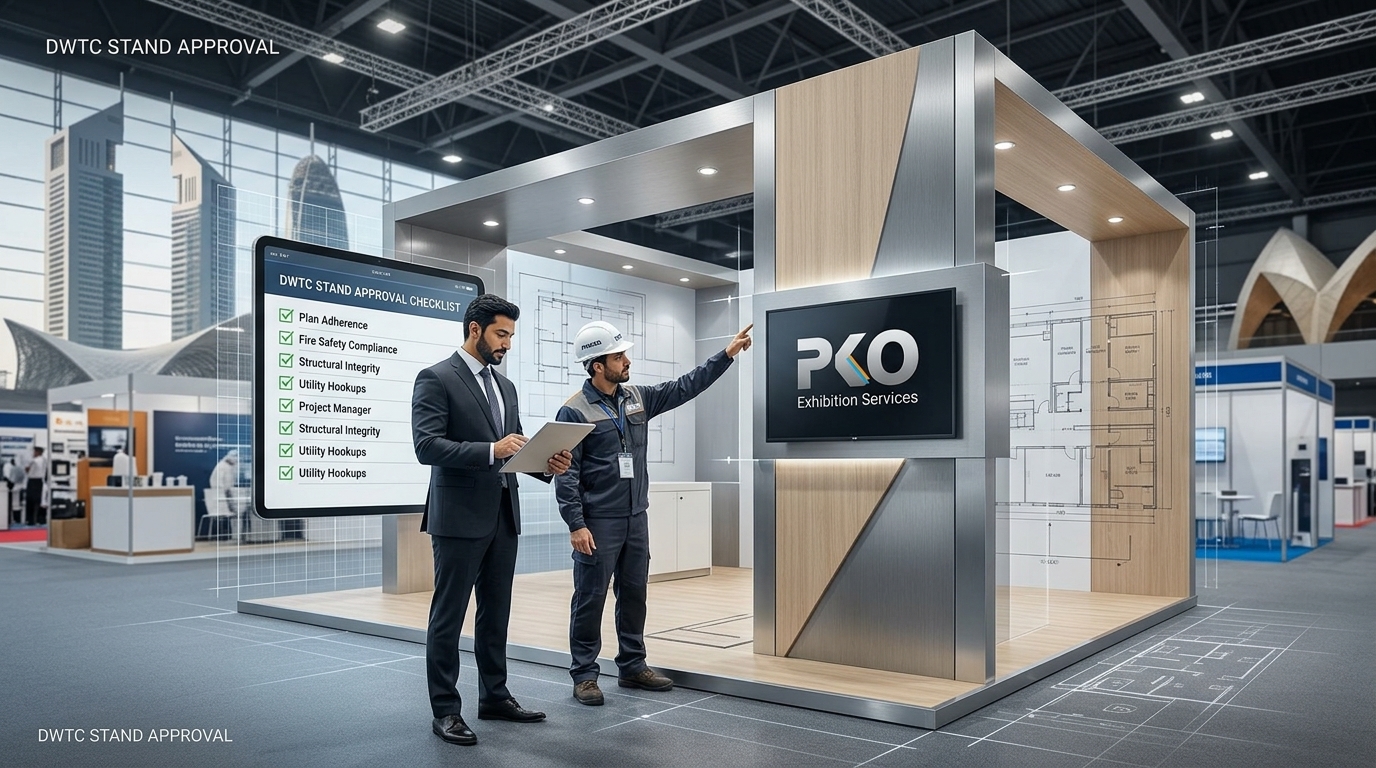
Rules on rigging, hanging elements, power, internet, sound levels, structural approvals and safety differ by venue, organiser, event and stand configuration. Confirm current technical requirements before finalising your design. For events at Dubai World Trade Centre, see our overview of DWTC exhibition stand rules, then verify details directly with the organiser.

Interactive Technology That Can Increase Visitor Engagement

Interactive exhibition technology works when it gives visitors an easy reason to stop and a clear next step. It cannot guarantee results, but it can make engagement simpler and more measurable.

  • Explore products: Touchscreens and product selectors let visitors browse at their own pace.
  • Watch demonstrations: Timed video or live demonstrations give people a reason to gather.
  • Interact with content: Simple games, configurators or sensor-triggered displays keep visitors involved.
  • Scan QR codes: Place codes at natural decision points, such as beside a product video.
  • Request information or book meetings: Short forms and meeting links turn interest into action.
  • Leave contact details: Keep forms brief so staff can follow up quickly.

Choose interactivity that matches your audience. A technical buyer may want detailed specifications, while a general visitor may prefer a short visual demonstration. To connect these tools to measurable outcomes, use a booth ROI calculator to define lead targets before you decide what to install.

Dubai Exhibition AV Checklist

  • Screens and LED: Size, resolution, brightness, mounting method, viewing distance and sightlines confirmed.
  • Audio: Speaker positions, volume limits, presentation zones and organiser sound rules checked.
  • Power: Total load listed, socket positions marked and venue supply requirements confirmed.
  • Internet: Wired or wireless option agreed, with an offline fallback where needed.
  • Content: Final files in the correct formats, looping and tested on the actual hardware.
  • Interactive hardware: Touch response, sensors, software and lead-capture tools working and simple to use.
  • Cable management: Cables concealed, labelled and kept clear of walkways.
  • Testing: Full run-through of every screen, sound cue and interactive element before opening day.
  • Backup equipment: Spare content, cables, adapters and, where appropriate, spare devices.
  • Venue and event requirements: Rigging, approvals, safety and technical rules confirmed with the organiser or venue.
  • Installation and dismantling: Access times, technician availability and removal plans agreed in advance.

Common AV Integration Mistakes to Avoid

  • Adding technology too late: Late additions lead to awkward placement and cable problems.
  • Ignoring viewing distance: A screen that looks impressive in a render may be unreadable from the aisle.
  • Poor cable planning: Visible or trailing cables look unprofessional and create safety risks.
  • Overlooking ambient lighting: Glare and strong spotlights can wash out screens.
  • Too many screens: Too many competing displays dilute the message and clutter the stand.
  • Complicated interfaces: If visitors need instructions, they will usually walk away.
  • Skipping tests: Interactive elements must be tested on site, not only in the workshop.
  • Sound spill: Excessive volume can disturb neighbouring exhibitors and may breach event rules.
  • No backup content: A frozen screen on opening day should not mean a blank screen.
  • No technical support plan: Know who will fix problems during show hours.

How PKO Exhibitions & Events Can Support AV-Ready Exhibition Stand Projects

PKO Exhibitions & Events works on exhibition stands across Dubai and the UAE. An experienced exhibition team can coordinate stand design, fabrication, graphics, electrical and technical planning, AV installation, testing and dismantling, so the technology and the structure are planned together rather than separately.

If AV is important to your stand, raise it at the briefing stage. Discuss your objectives, the content you plan to show, and which technical elements will be delivered by the stand team and which by other suppliers. Supporting printed graphics and panels can also be planned in parallel with large-format printing so digital and physical elements match.

Frequently Asked Questions

What is exhibition stand AV integration?

It is the coordinated planning and installation of screens, LED walls, audio, lighting, interactive hardware and content within an exhibition stand. The aim is for all technology to operate as one connected experience that supports the exhibitor’s message, visitor flow and lead-generation goals, rather than functioning as separate devices.

What AV equipment is commonly used on exhibition stands in Dubai?

Common equipment includes LED walls, commercial display screens, touchscreen kiosks, interactive product displays, speakers for presentation areas, accent and display lighting, media players, tablets for lead capture and QR-based mobile experiences. The right mix depends on stand size, audience and objectives.

How should AV technology be planned for an exhibition stand?

Plan AV during the design stage. Define the visitor journey, choose screen positions based on viewing distance, calculate power, route cables, confirm internet needs, prepare content, and arrange access for technicians. Add backup content and testing time to the schedule before the show.

Are interactive displays useful for exhibition stands?

They can be, when they have a clear purpose. Interactive displays help visitors explore products, watch demonstrations and request information at their own pace. They work best with simple interfaces and a clear next step, such as booking a meeting or leaving contact details.

What should exhibitors check before installing AV equipment?

Check power supply, internet availability, rigging and hanging rules, sound limits, safety requirements and installation access. These vary by venue, organiser, event and stand configuration, so confirm current requirements with the organiser. Also test content and hardware on the actual equipment.

Can AV integration help improve visitor engagement?

It can support engagement by attracting attention, explaining products clearly and giving visitors easy ways to interact. Results depend on content quality, stand layout, staff involvement and audience fit, so it is best to link AV choices to specific goals such as demonstrations, meetings or lead capture.

Final Takeaway

Effective exhibition stand AV integration in Dubai is not about adding more screens. It is about combining technology with visitor flow, brand communication, usability and careful technical planning. When each element has a purpose and has been tested, the stand feels clear, professional and easy to engage with.

Planning an exhibition stand in Dubai with integrated AV and interactive technology? Contact PKO Exhibitions & Events to discuss your stand requirements and technical setup.